Not affiliated with Apple. For fun and fiction.
Fake Group Chat Generator
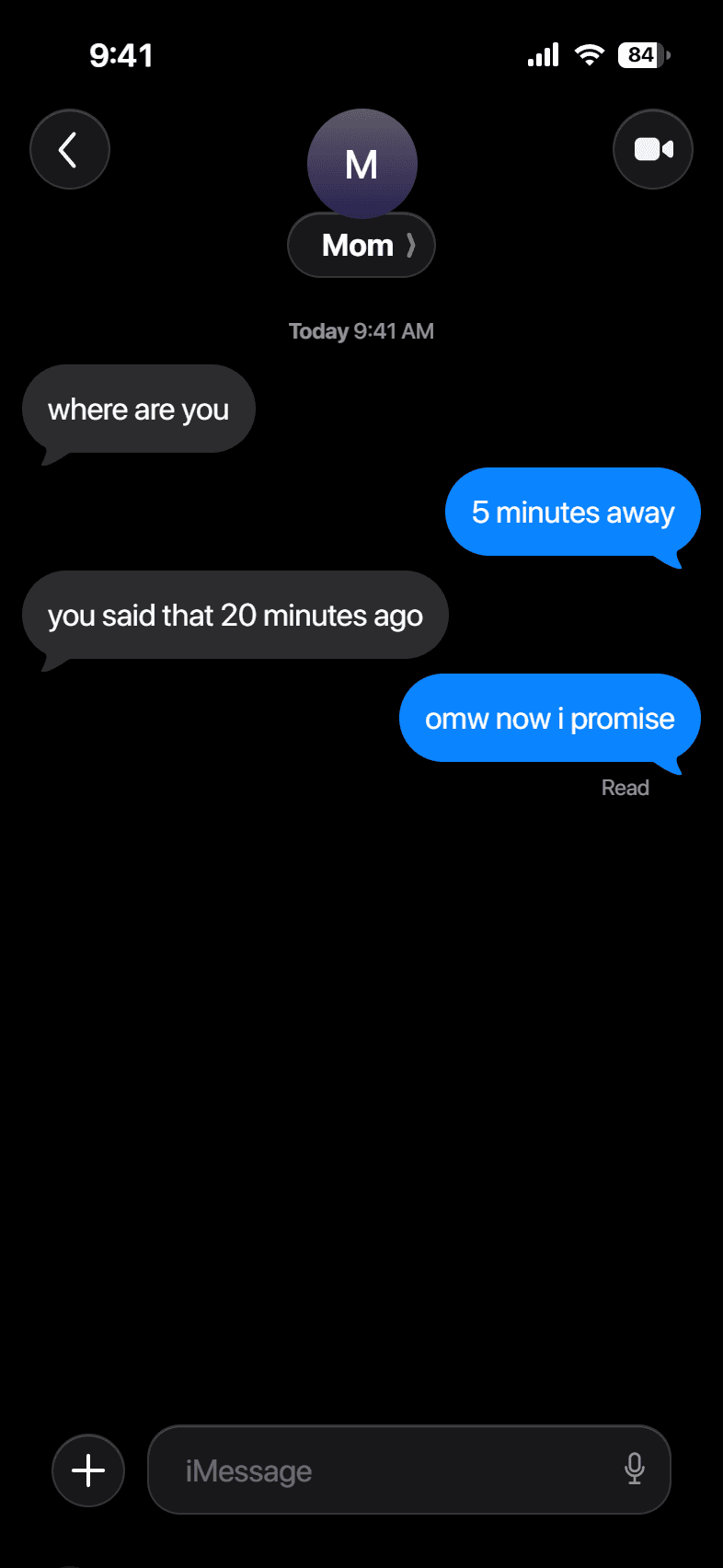
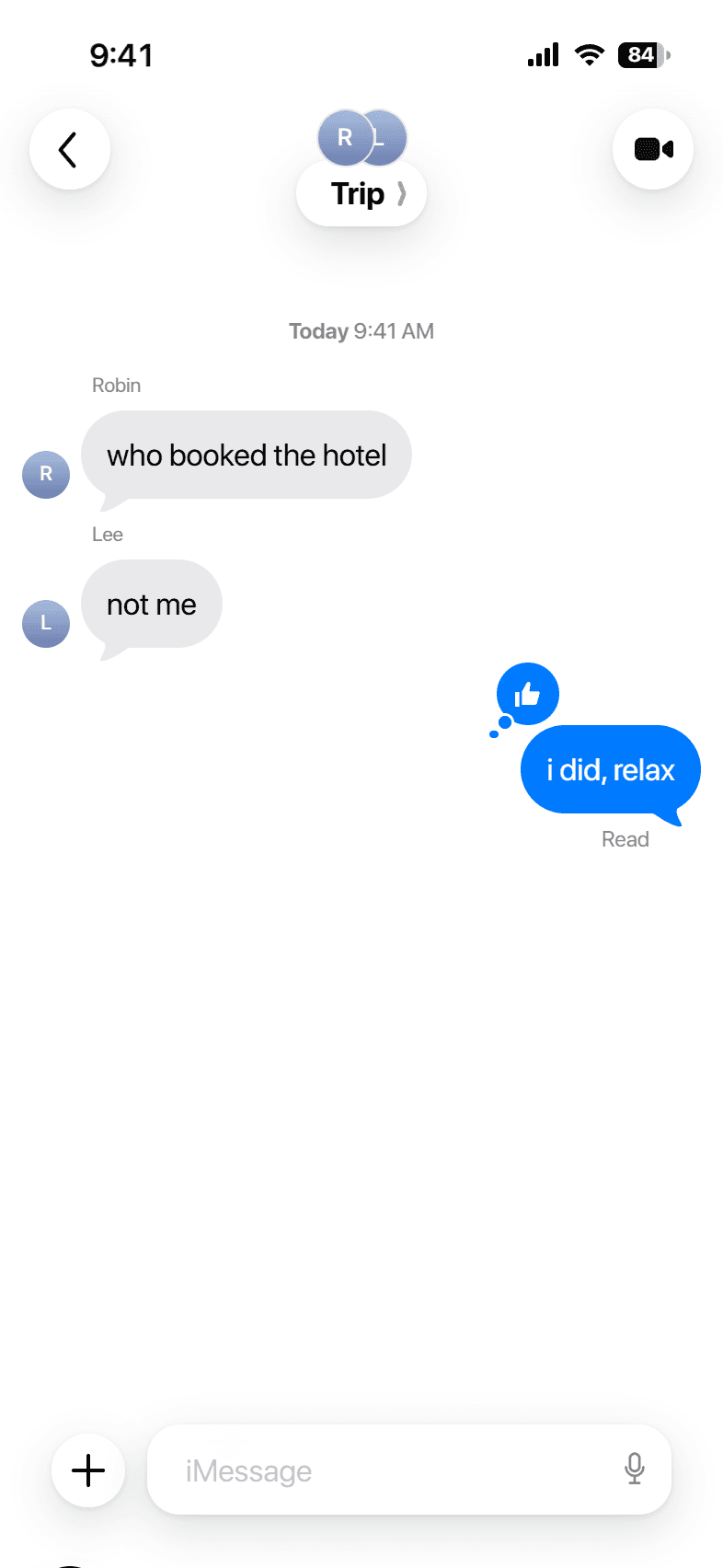
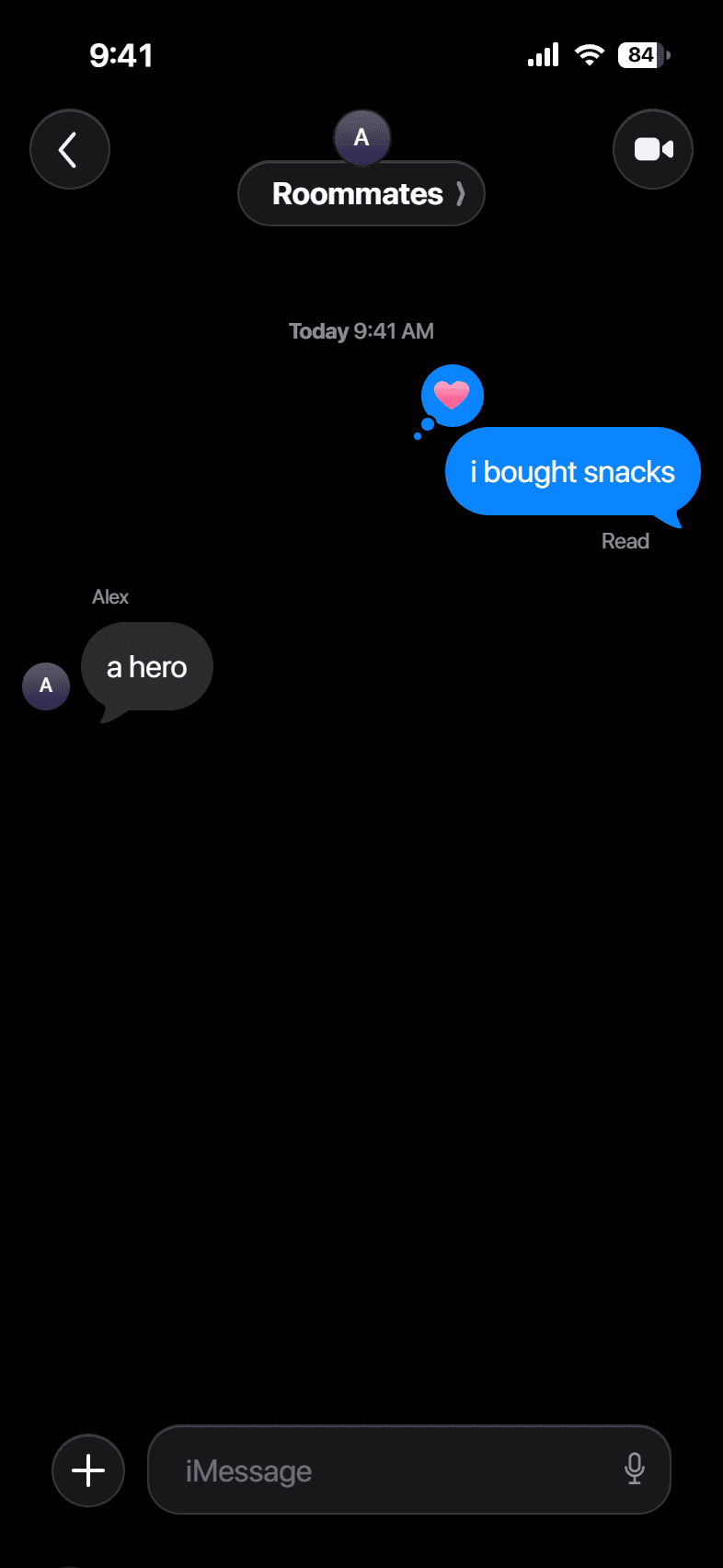
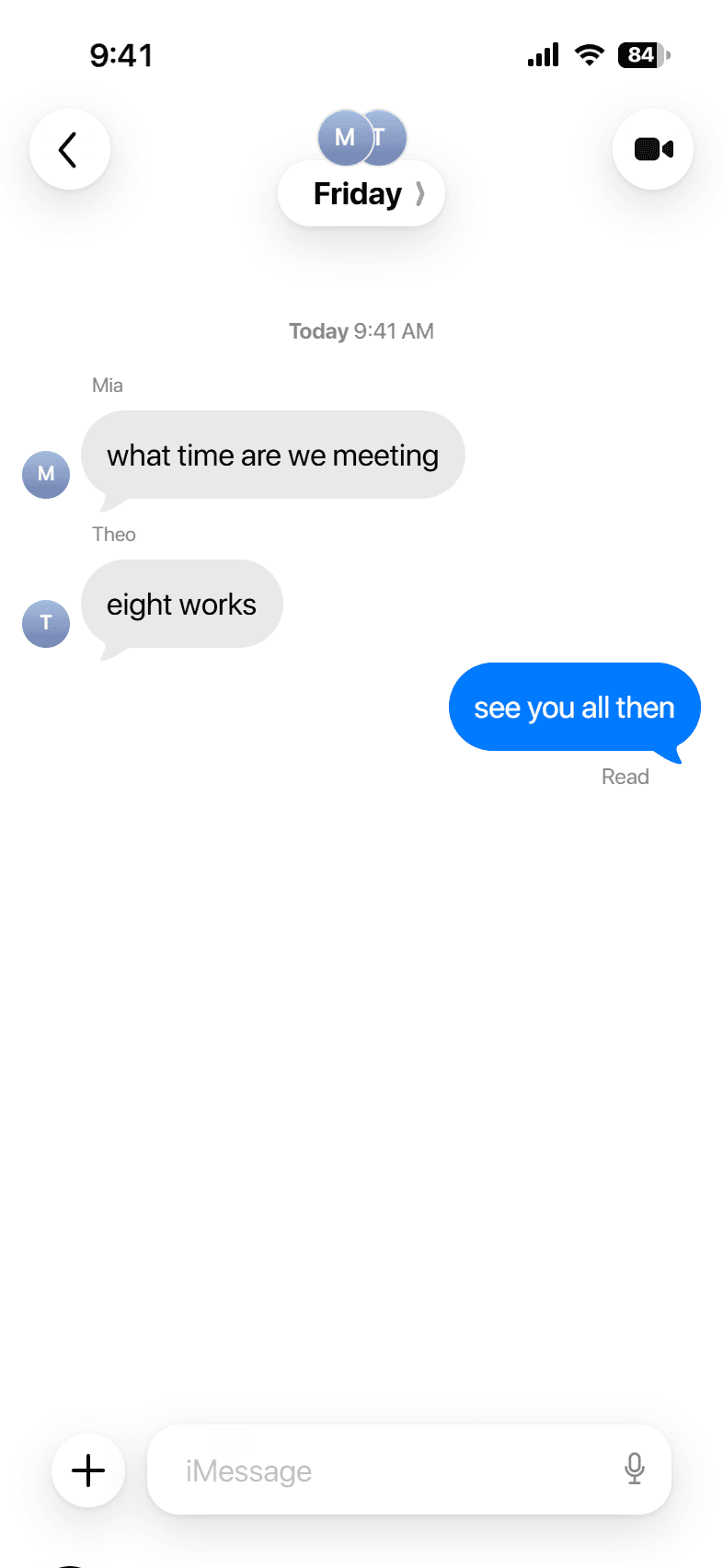
Build an iPhone group chat with more than one person. Each received message shows the sender's name and avatar, and you can add reactions. Name the group, write the lines, and save the screenshot.
Build your conversation
Messages
How it works
- 1
Add the people
Turn on group mode and add participants with their names.
- 2
Write each line
Pick who sent each received message, and react to any line with a Tapback.
- 3
Save the chat
Download a screenshot of the full group thread.
Examples
Questions
How many people can be in the group?+
Add as many participants as you need. The header shows the first few avatars.
Do sender names show?+
Yes. Each received message shows the sender's name above the run and a small avatar, like a real group chat.
Can I add reactions?+
Yes. Any message can carry a Tapback, colored on iOS 18 and monochrome on earlier versions.
Is it free?+
Yes, no account and no watermark.