Fake iMessage Generator
Make a fake iMessage that holds up next to the real thing. Type the conversation, set the contact and status bar, and save it as an image. No app, no sign up, and the result looks like a genuine iPhone screenshot.
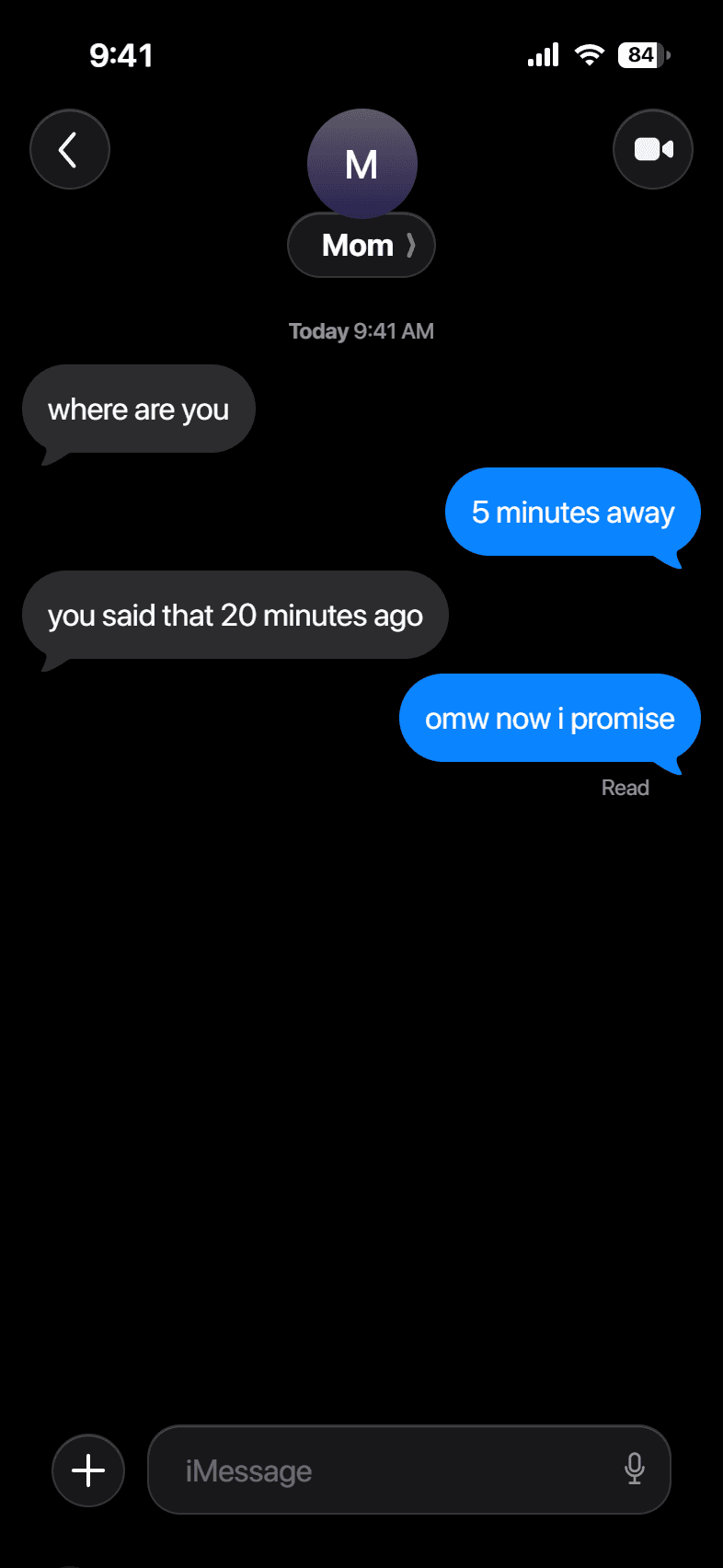
Build your conversation
How it works
- 1
Type the conversation
Add each line, mark it sent or received, and pick blue iMessage or green SMS bubbles.
- 2
Set the details
Change the contact name and photo, the time, and the battery, then choose light or dark.
- 3
Save the screenshot
Download a sharp PNG at full device resolution, ready to post.
Examples
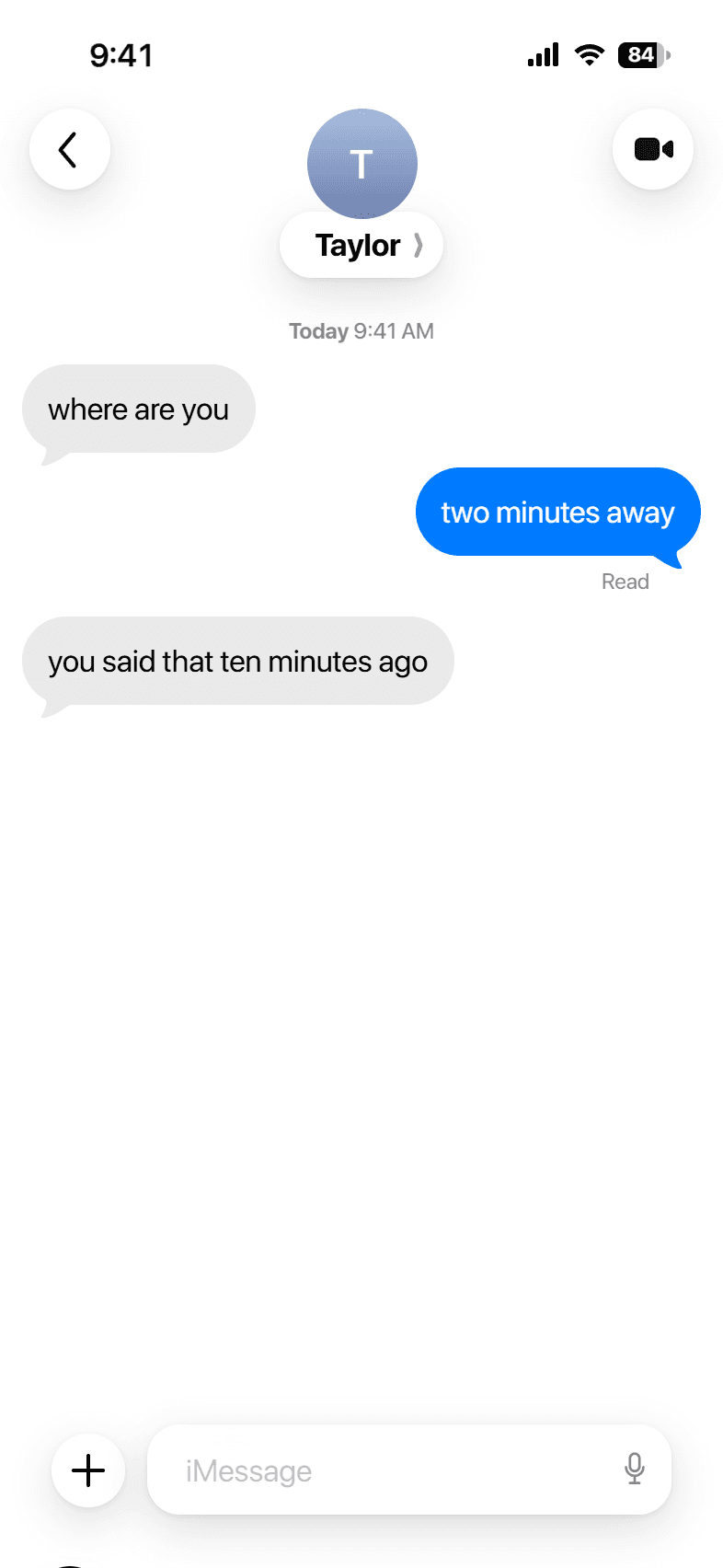
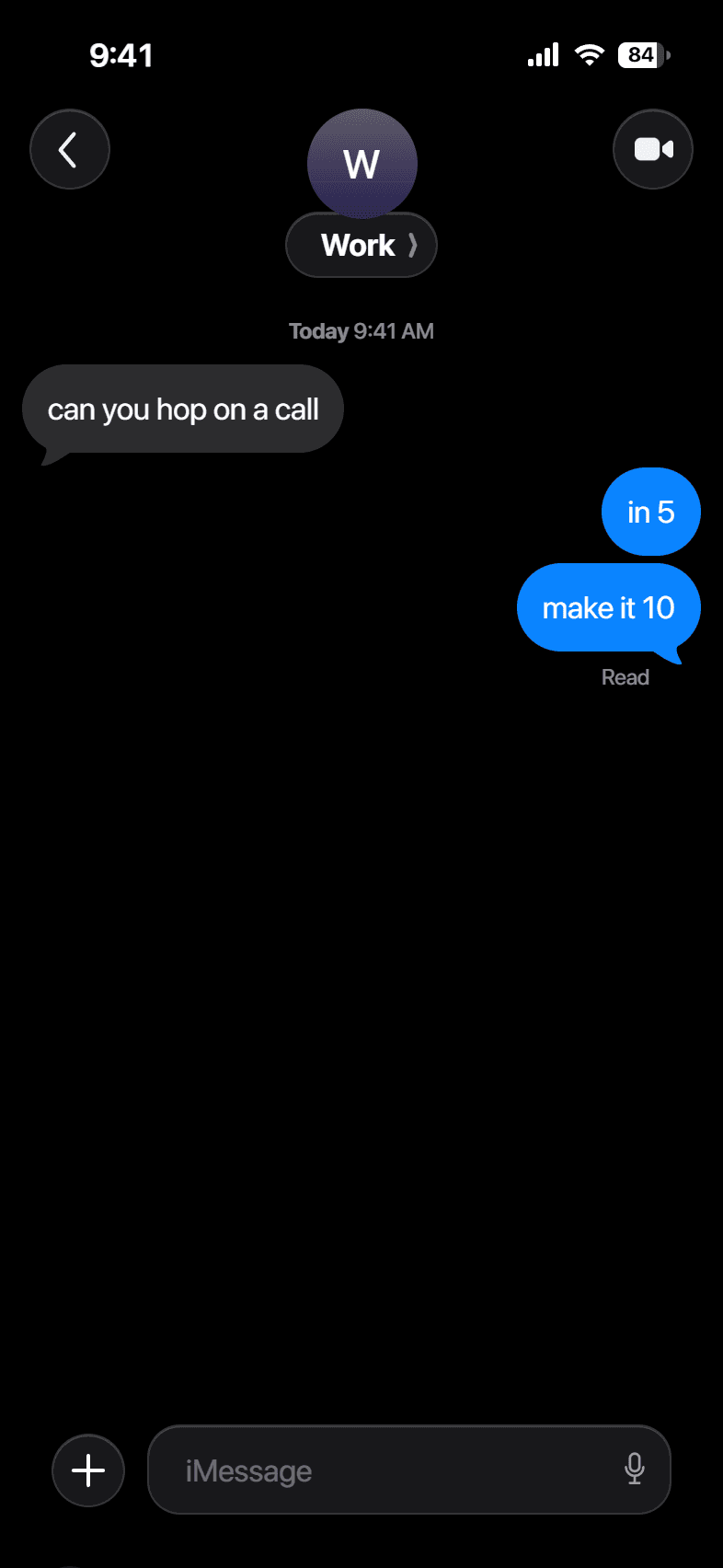
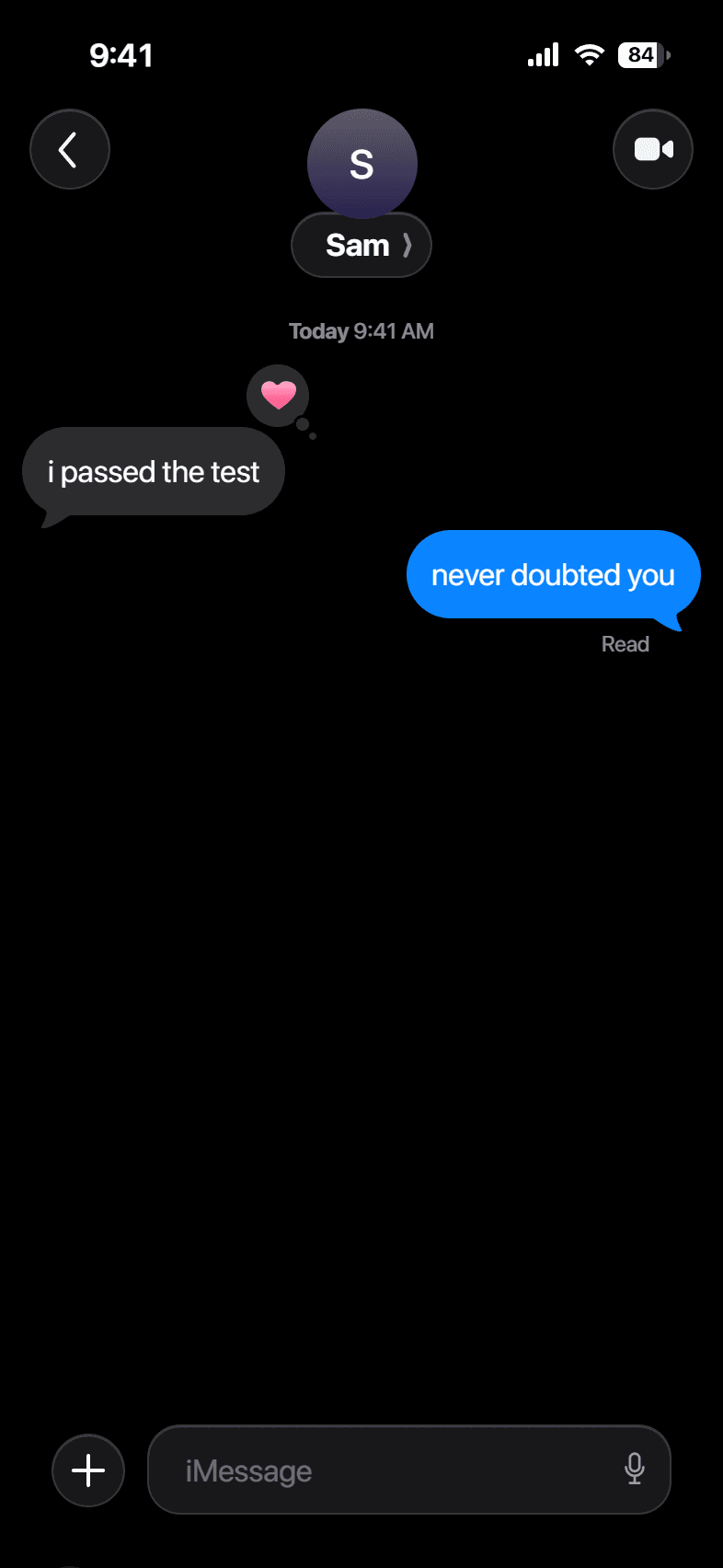
Questions
How real does it look?+
The bubbles, status bar, and header follow the iOS 18 spec, so a quick glance reads as a genuine iPhone screenshot.
Can I make a green SMS chat?+
Yes. Switch any sent message to SMS for the green bubble. Received messages stay gray, the same as a real iPhone.
Does it work on my phone?+
Yes. The editor is built mobile first, so you can make a screenshot on the same phone you would share it from.
Is there a watermark or sign up?+
Neither. The download is clean, and nothing asks you to register.
Is this allowed?+
It is a mockup tool for fun and fiction. Do not use it to impersonate a real person or to deceive anyone.