Not affiliated with Apple. For fun and fiction.
Fake iMessage Generator for iOS 16
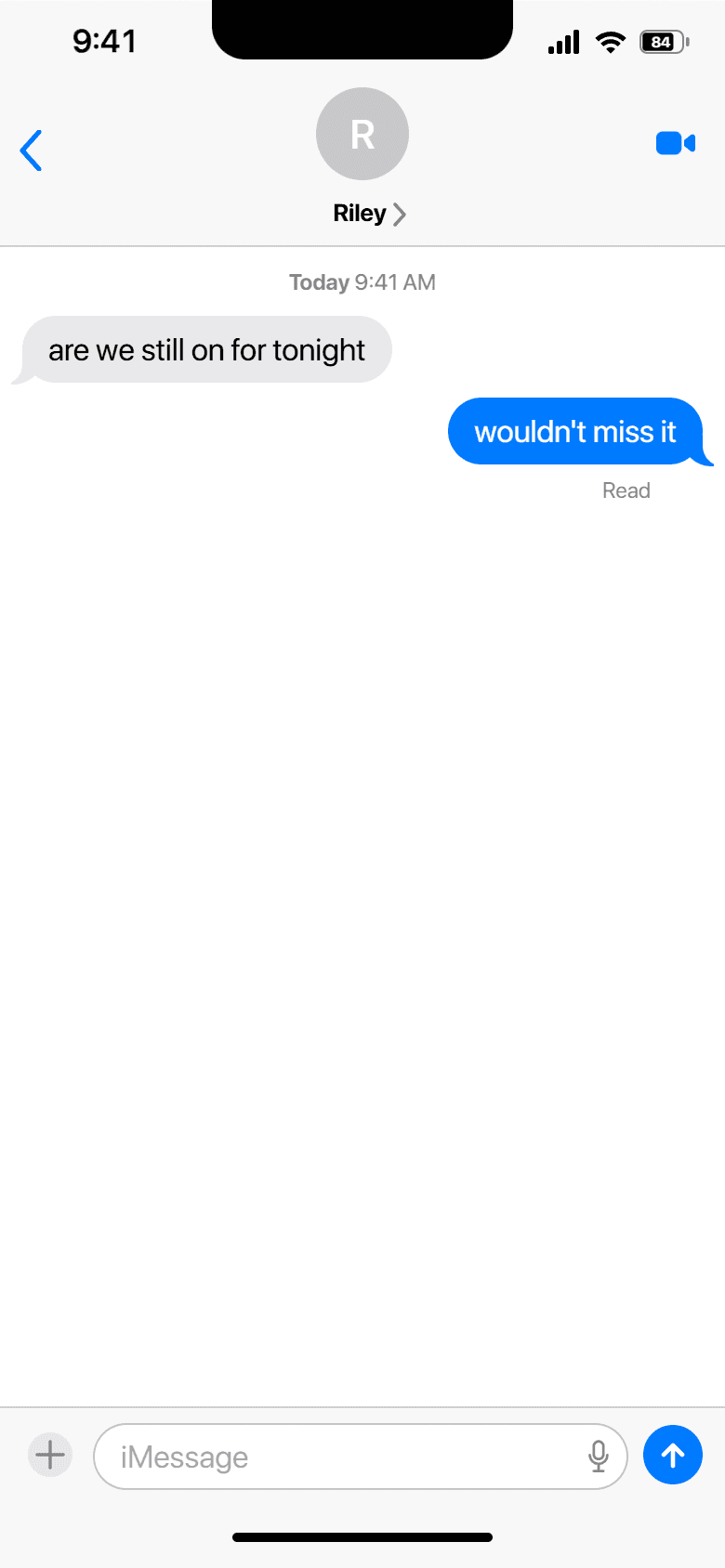
Build a fake iMessage on the iOS 16 look and save it as a screenshot. iOS 16 is the lock-screen-redesign era, with monochrome Tapbacks and the familiar Messages layout. Pick the device, write both sides of the chat, and export at full resolution.
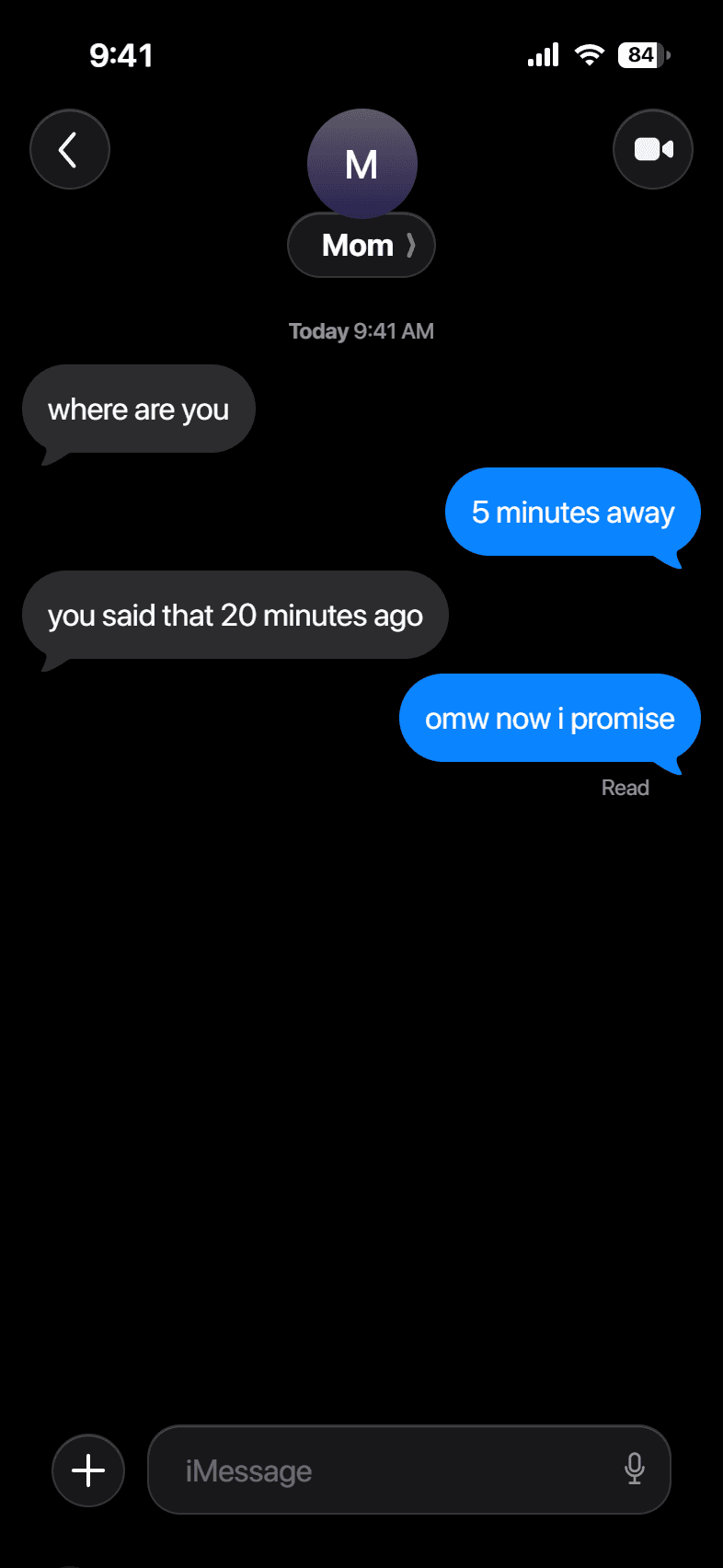
Build your conversation
Messages
How it works
- 1
Write the chat
Add each message, mark it sent or received, and pick iMessage or SMS.
- 2
Set the look
Choose the contact, the time, and light or dark, then fine-tune the status bar.
- 3
Download
Export a full-resolution screenshot in PNG or JPG.
Examples


Questions
What is different about iOS 16?+
iOS 16 uses monochrome Tapbacks and the standard bubble styling.
Can I switch the iOS version later?+
Yes. The iOS version is a dropdown in the editor, so you can compare versions on the same chat.
Is it free?+
Yes, with no account and no watermark.