Not affiliated with Apple. For fun and fiction.
Fake iMessage on the iPhone 15 Pro Max
Build a fake iMessage sized for the iPhone 15 Pro Max, 430 by 932, with the Dynamic Island and a roughly 59pt safe area at the top. Write the chat and download a screenshot that matches the model.
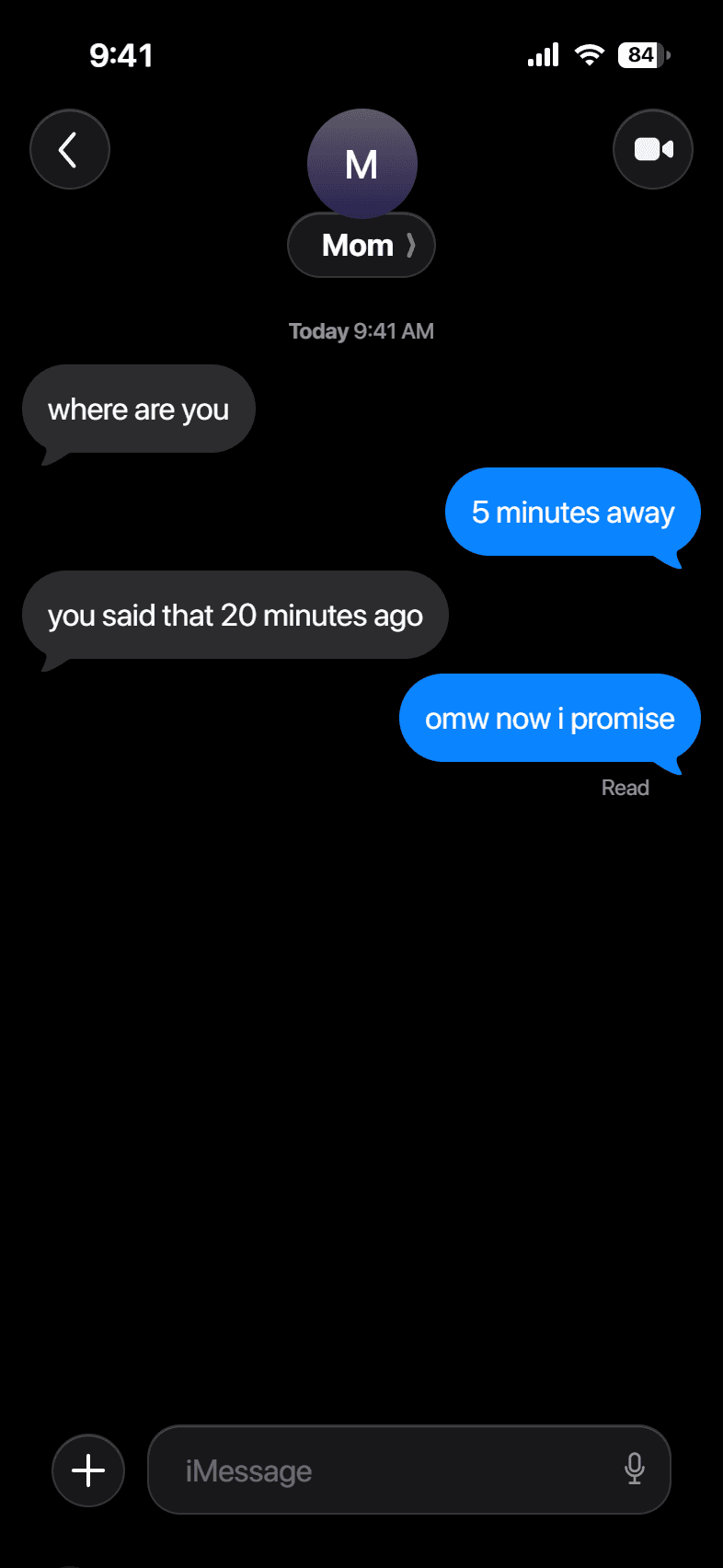
Build your conversation
Messages
How it works
- 1
Write the chat
Add each message, mark it sent or received, and pick iMessage or SMS.
- 2
Set the look
Choose the contact, the time, and light or dark, then fine-tune the status bar.
- 3
Download
Export a full-resolution screenshot in PNG or JPG.
Examples


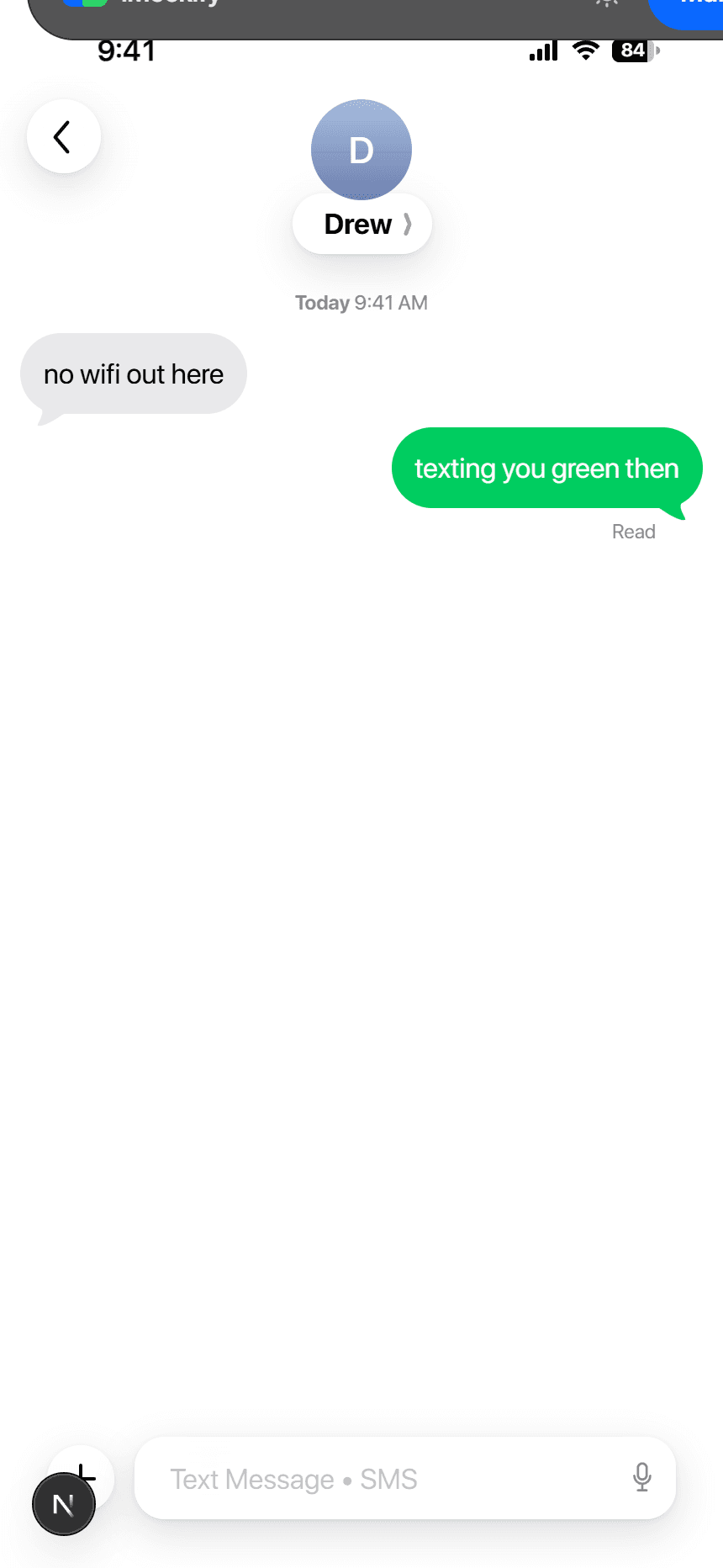
Questions
Does it match the iPhone 15 Pro Max exactly?+
The canvas renders at 430 by 932 with the Dynamic Island and a roughly 59pt safe area at the top, so the export matches the real screen.
Can I change the model later?+
Yes. The device is a dropdown in the editor, and the frame and status bar change to match.
Is it free?+
Yes, no account needed.